
Stop onboarding clients through email.
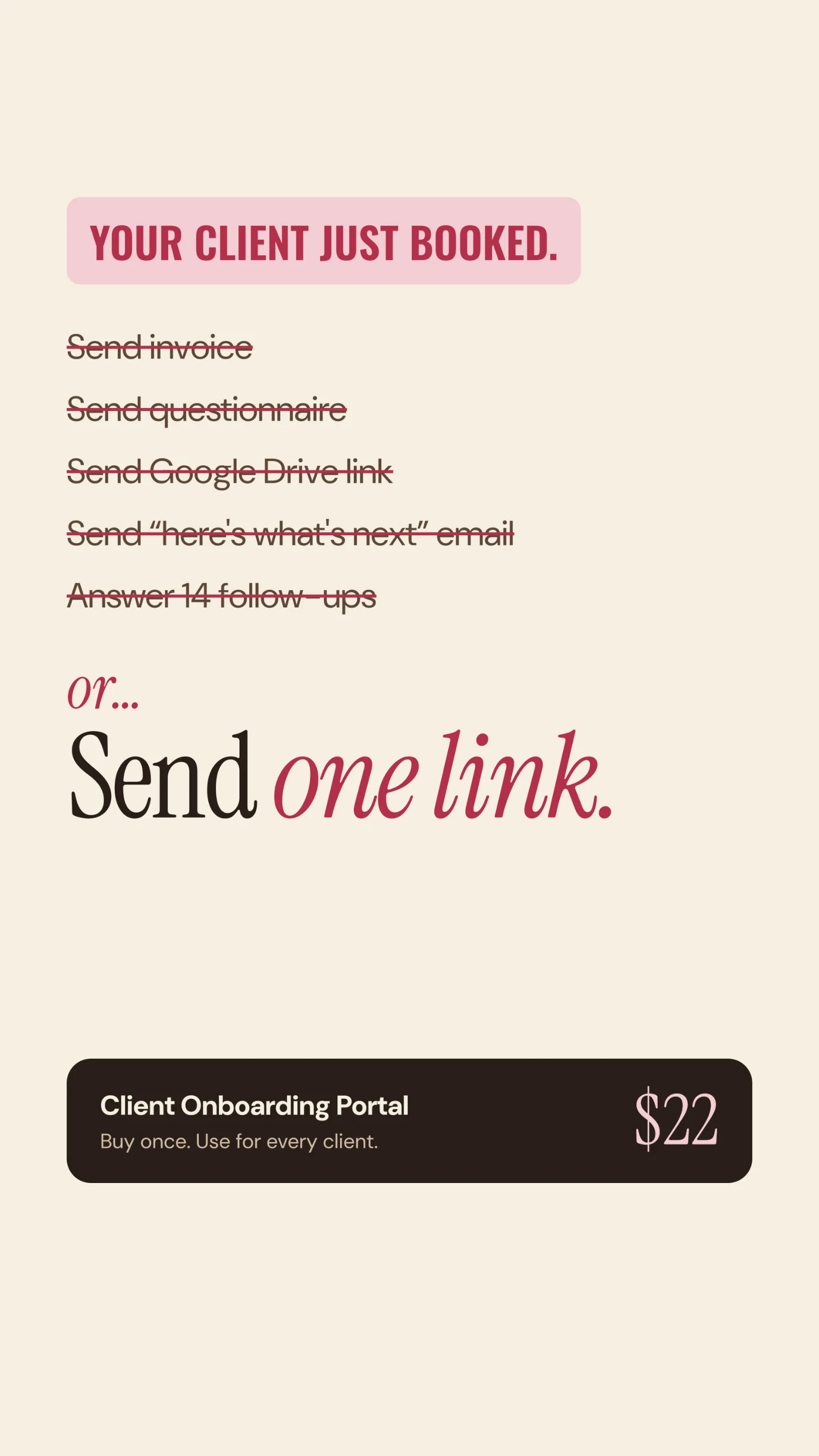
One beautiful link where every new client pays, uploads their files, reviews the project and knows exactly what’s next. You set it up once. You use it forever.
Coming soon · unlimited clients · no code
Click through it like your client would.
This is a demo copy. Changes you make here aren’t saved to anyone else’s portal.
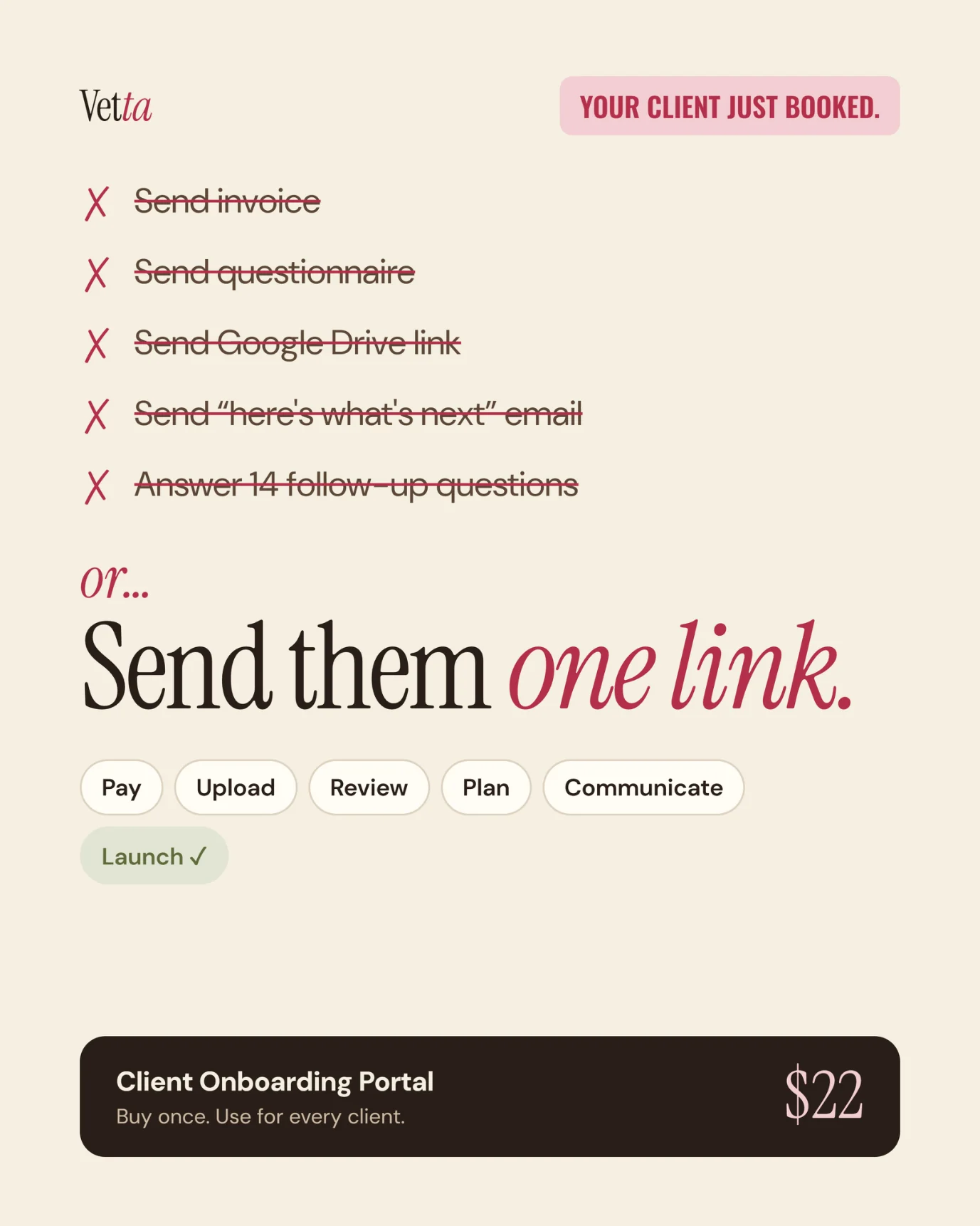
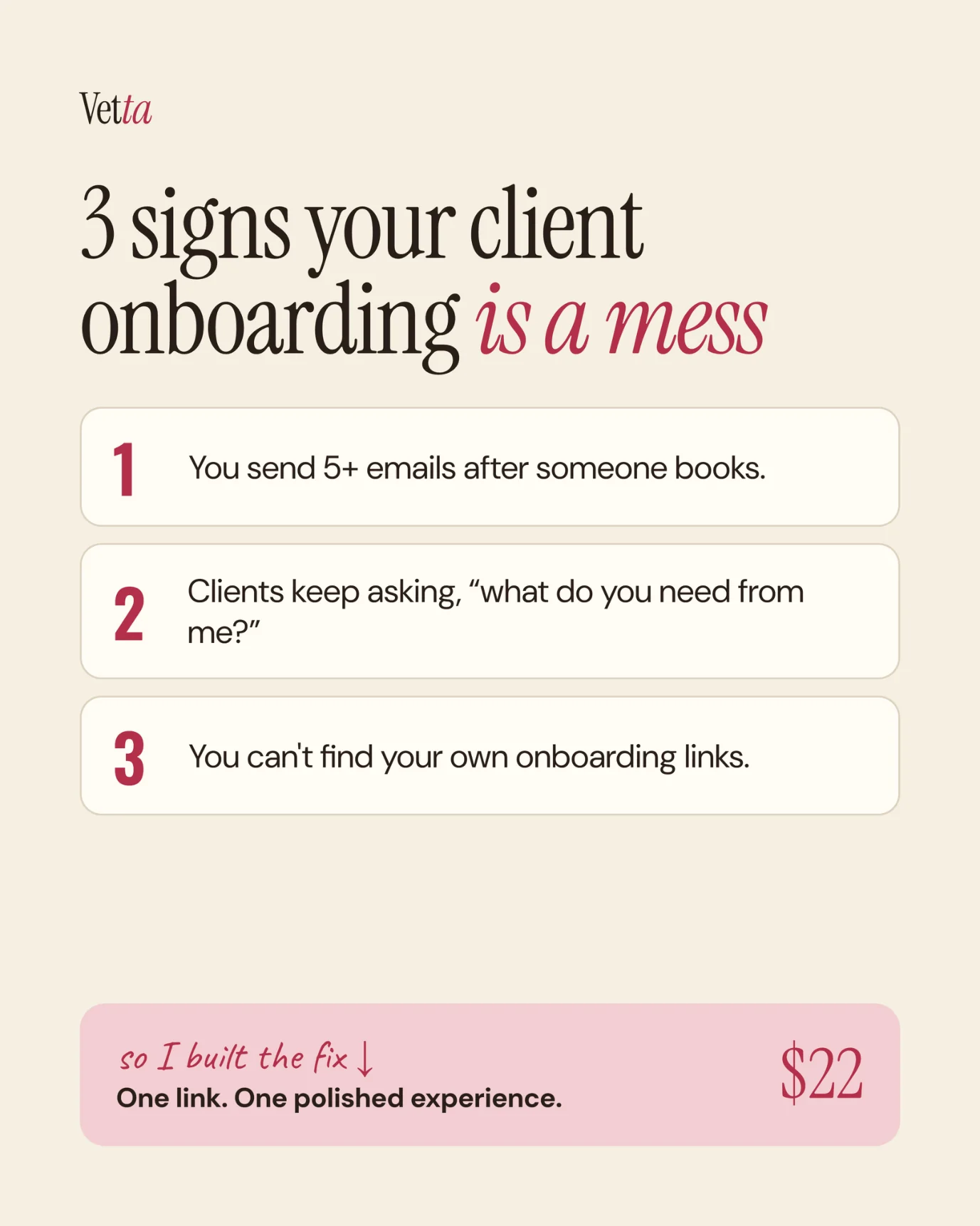
- “Did you get my deposit?”
- “Where do I send the logo again?”
- “Wait, when’s the kickoff?”
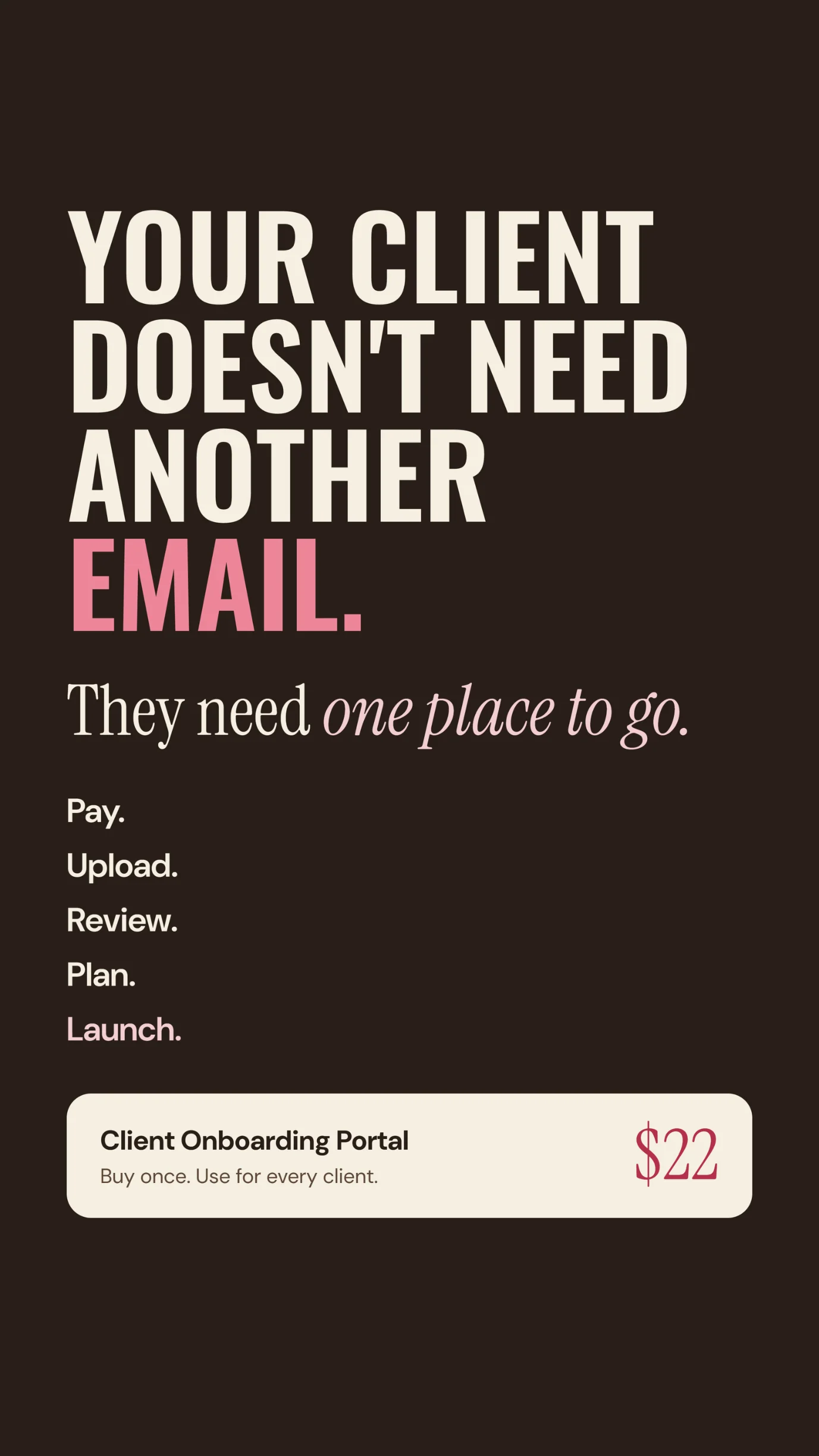
Your client doesn’t need another email. They need one place to go.
One link. Every client.
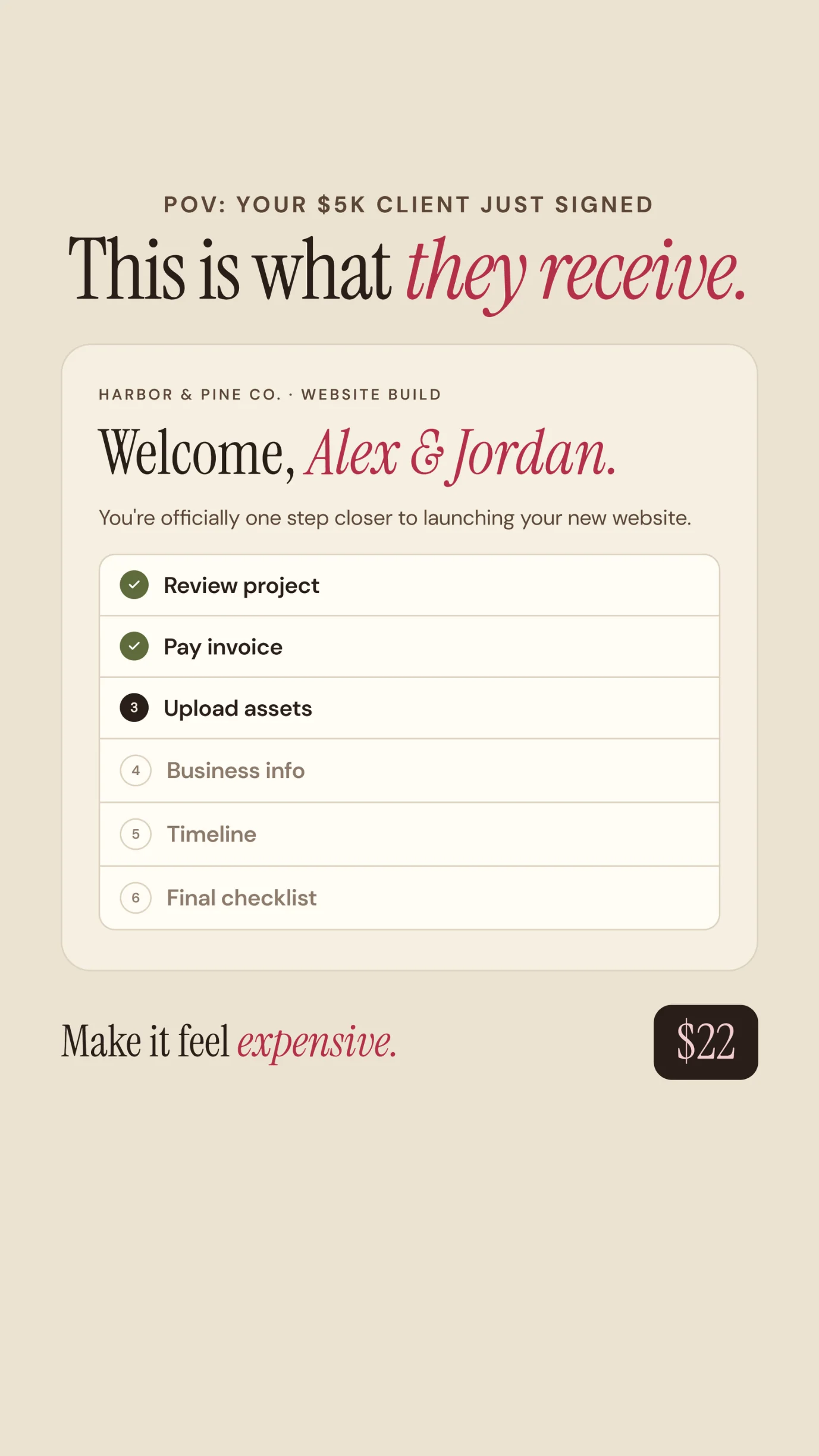
Eight steps. Zero back-and-forth.
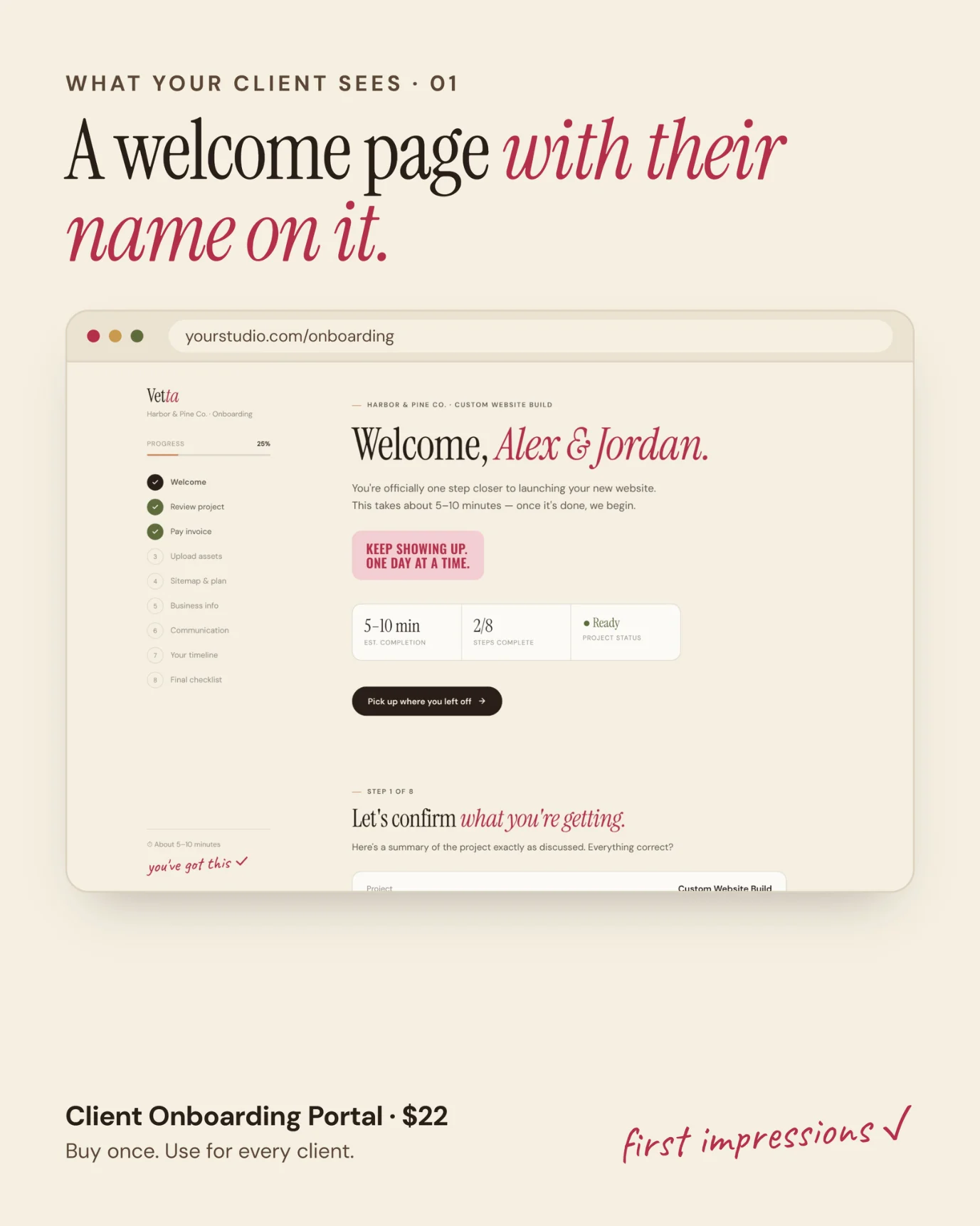
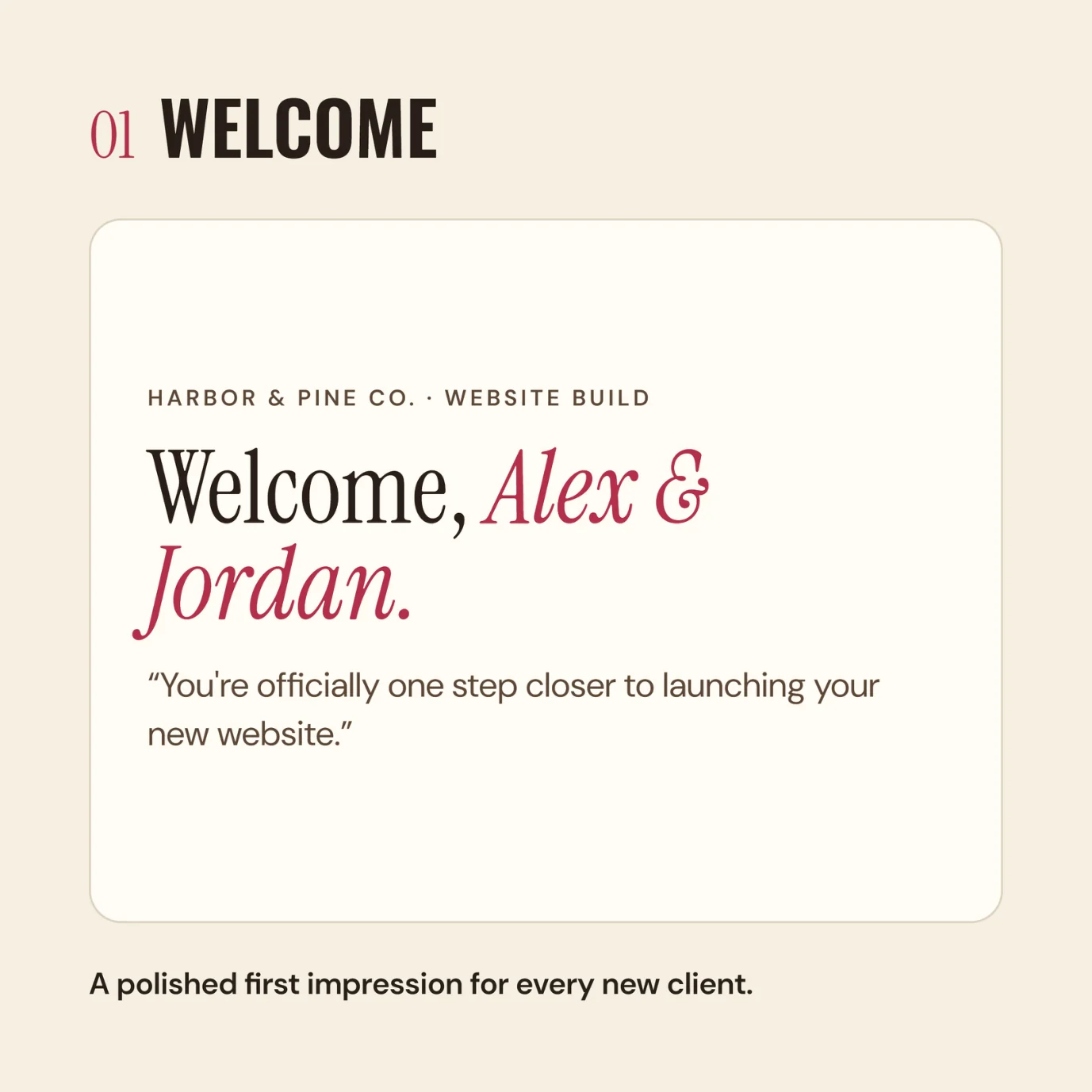
- 01Welcome
Their name, your brand. First impression: handled.
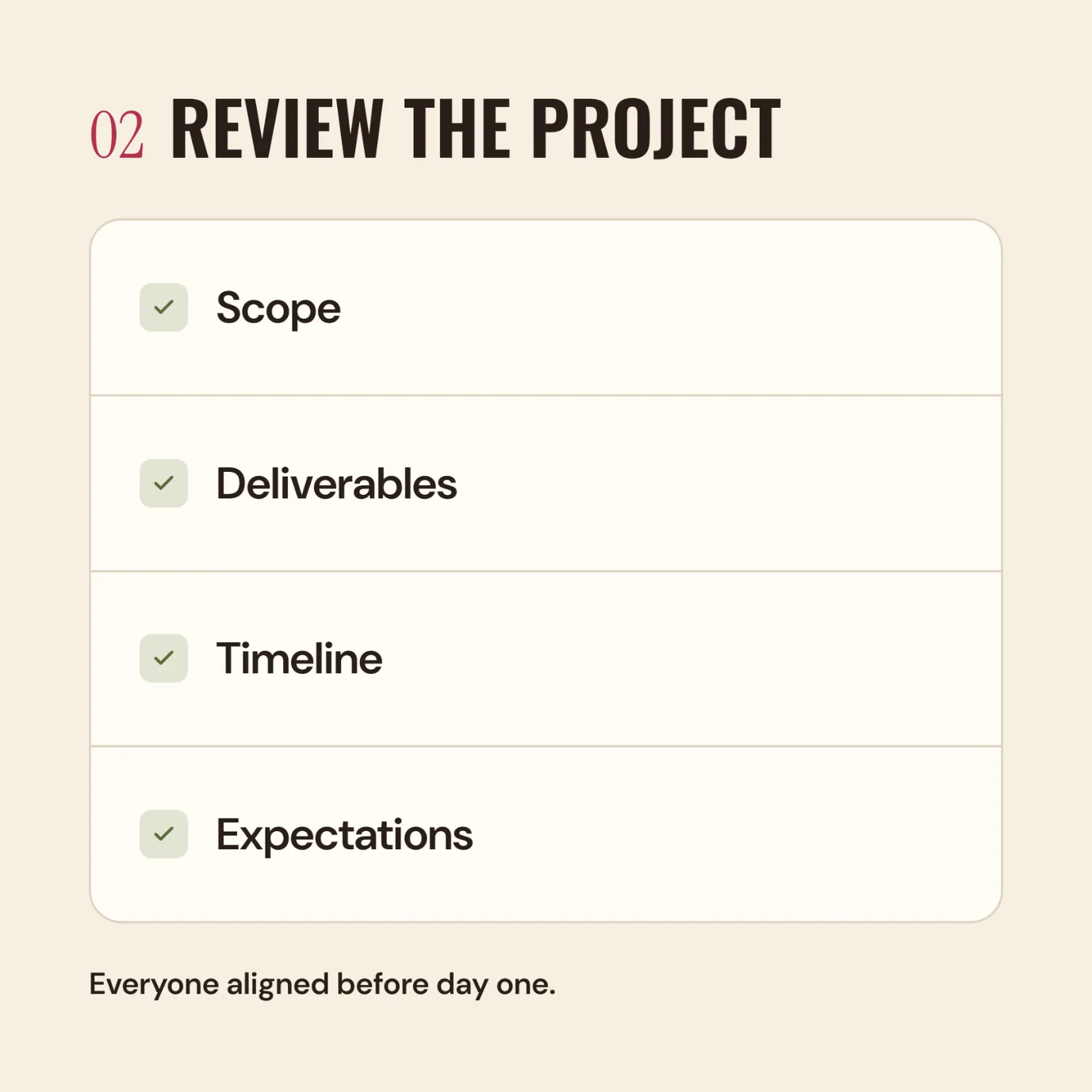
- 02Project review
Scope, price and deliverables, confirmed.
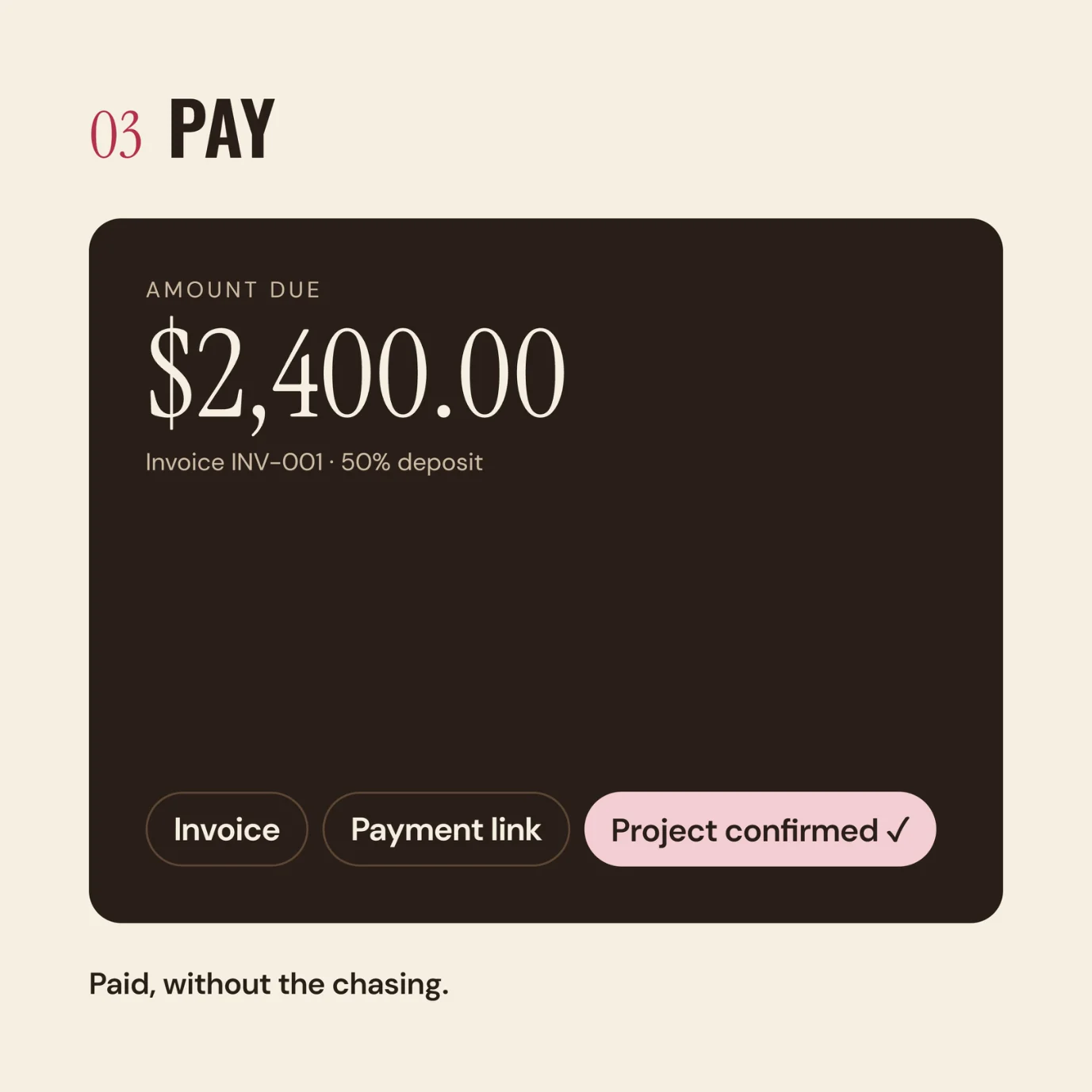
- 03Pay invoice
Venmo, Zelle, PayPal, Cash App or your Stripe link.
- 04Upload assets
One folder, one checklist they tick off.
- 05Business info
Everything you need, asked once.
- 06Communication
How and when they want to hear from you.
- 07Timeline
Expectations set on day one.
- 08Final checklist
Everything confirmed before kickoff.
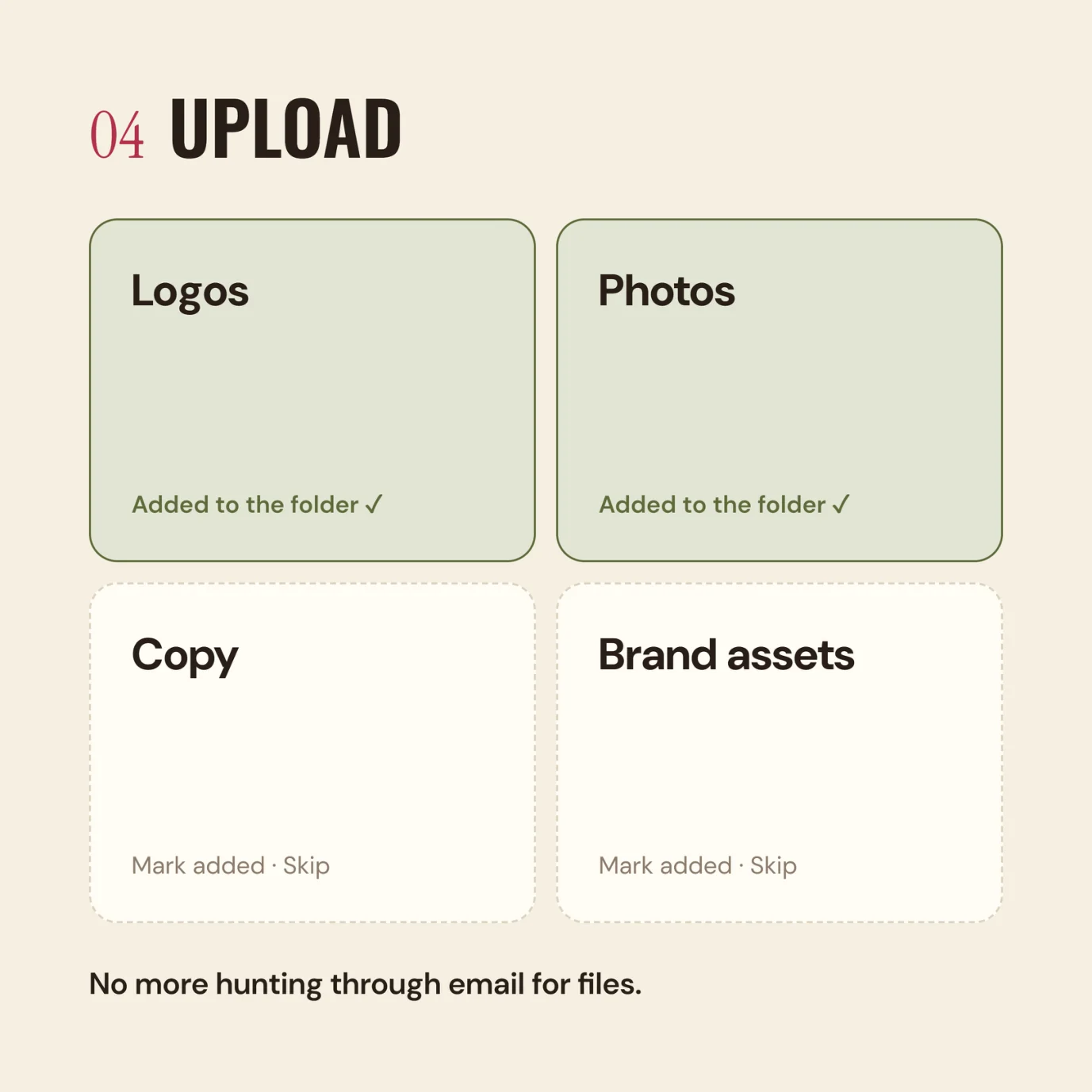
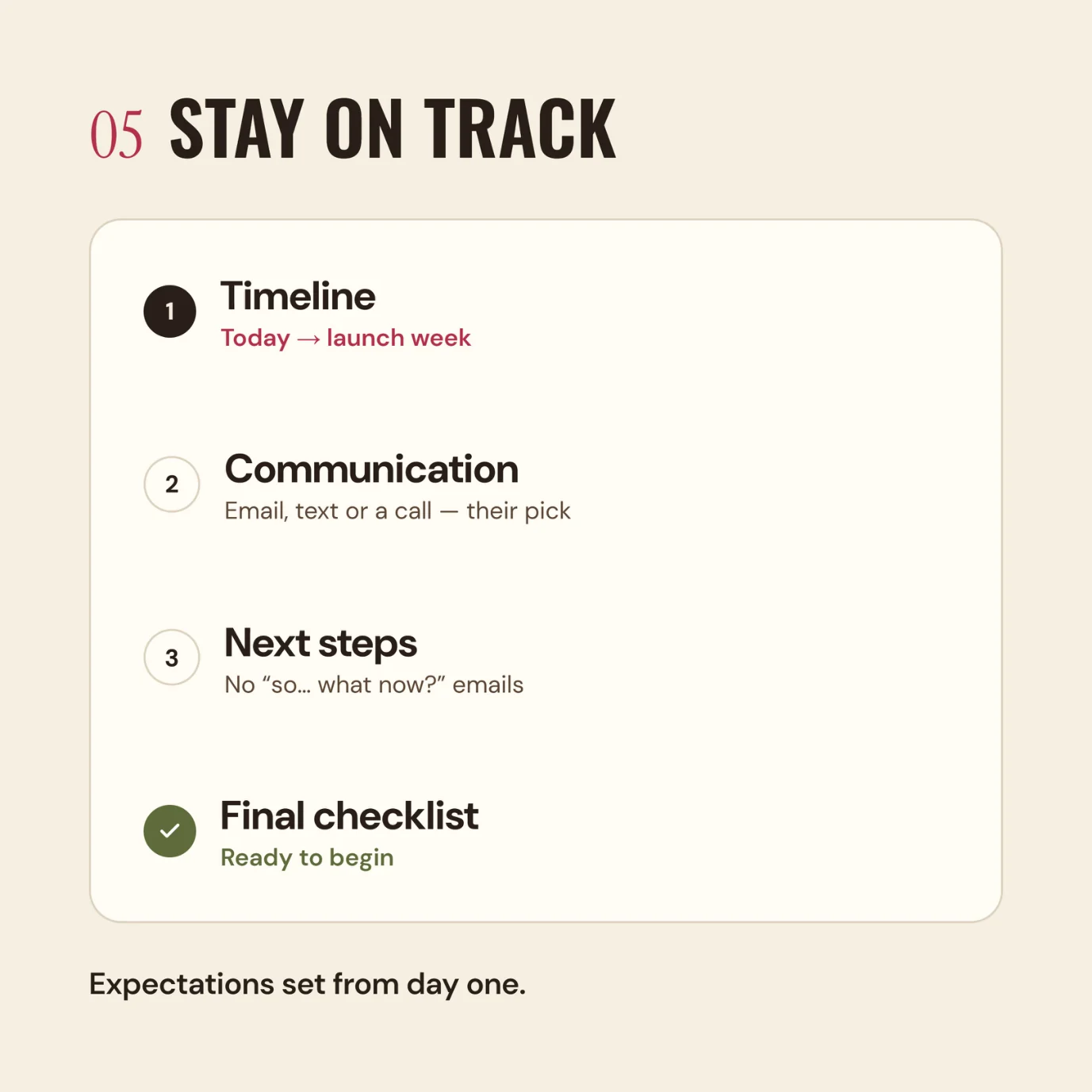
Your brand. Your words. Your prices.
Click ✎ Customize and every piece of text becomes editable. Swap colors, fonts, prices, payment links and steps. It saves as you go.
if you can edit an Instagram caption, you can do this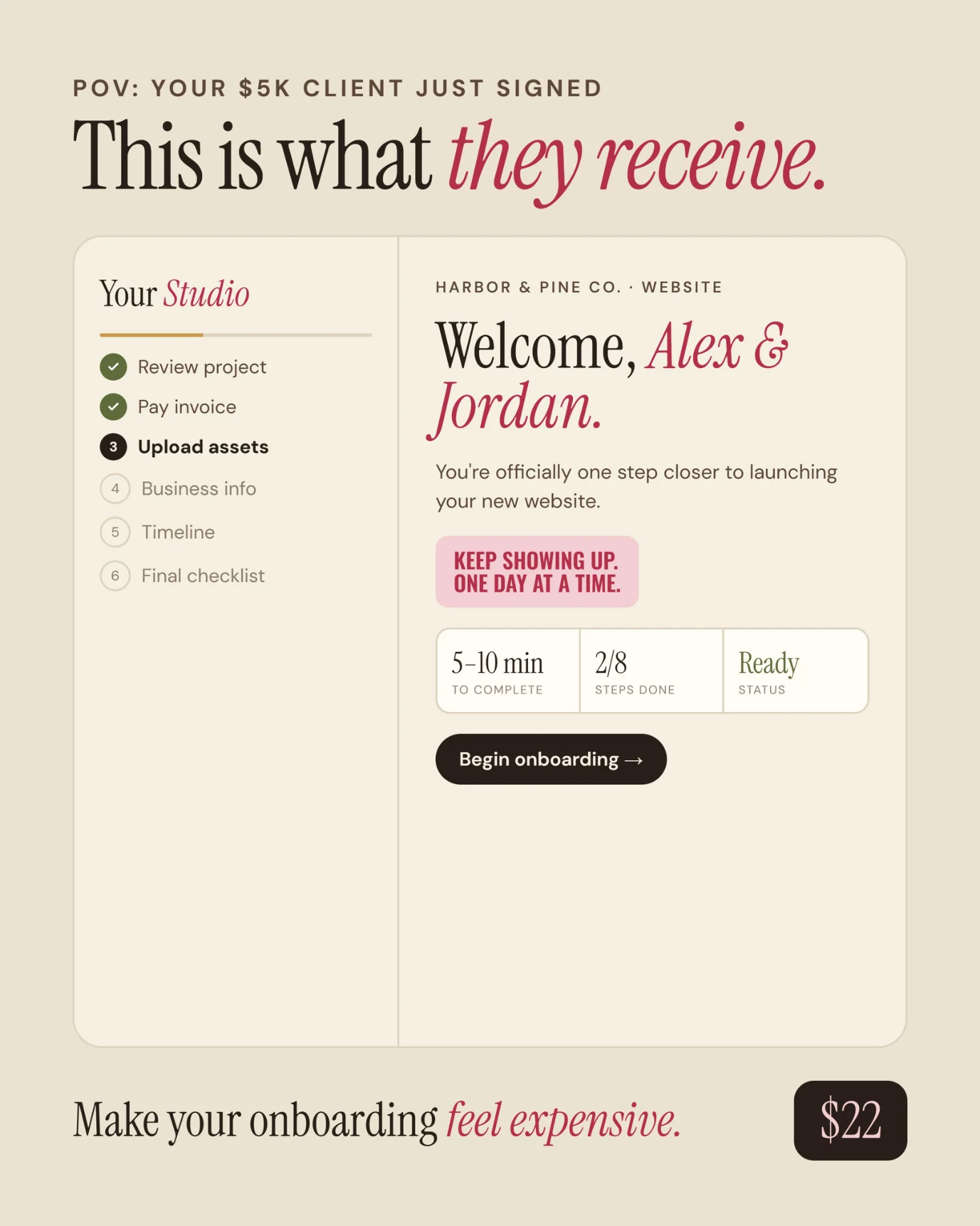
Get it
Coming soon. Join the waitlist and you’ll hear the day it’s ready.
Customize
About 15 minutes with the Quick Start Guide.
Send
Download a locked client copy and email it, or turn it into a free link.
Reuse
New client? Change the name and price, download a fresh copy. Done.
- The Client Onboarding Portal (one HTML file you own)
- START HERE: a 2-page Quick Start Guide
- License for unlimited use with your own clients
- No subscription, no app, nothing your client has to sign up for
Not another Notion template.
Your client doesn’t need an account, an app or a login. They click a link. It works on their phone. You keep the file forever.
I built this for my own consulting clients first. Now every booking starts the same calm way.
— Taylor, VettaThe Client Onboarding System is almost ready.
I’m putting the finishing touches on it. Leave your email and you’ll be the first to know the day it’s available.
You’re on the list.
I’ll email you the day it launches.
The honest bit
- It doesn’t move money. Clients pay through your own Venmo, Zelle or Stripe, and you confirm it arrived.
- It doesn’t store files. Uploads go to the folder link you add (Google Drive, Dropbox).
- Want answers emailed to you? Connect a free Formspree form in two minutes. Optional.